ARC Raiders does not rely on one anti-cheat program.
Its current system combines Easy Anti-Cheat, Denuvo Anti-Cheat, machine-learning analysis of player telemetry, hardware and software detection, plus methods Embark keeps private.
That answer changed during 2026.
Denuvo moved from rollout to full enforcement, while Embark published clearer details about detection, account bans, hardware bans and shared licenses.
Here is what the developer has confirmed and what remains undisclosed.
Table of Contents
- What Anti-Cheat Does ARC Raiders Use?
- How the Anti-Cheat Stack Changed in 2026
- Easy Anti-Cheat
- Denuvo Anti-Cheat
- Machine Learning and Input Telemetry
- Hardware and Software Detection
- What ARC Raiders Does Not Disclose
- What Can Get an Account Banned?
- Hardware Bans
- Queue Teaming and Matchmaking Abuse
- Shared Accounts and Licenses
- Anti-Cheat Errors vs Bans
- Loot Compensation
- What Changes After Updates?
- Key Takeaways
- FAQ
What Anti-Cheat Does ARC Raiders Use?
ARC Raiders currently uses multiple anti-cheat layers: Easy Anti-Cheat, Denuvo Anti-Cheat, machine-learning input telemetry analysis, hardware and software detection, and additional undisclosed methods.
Embark confirmed the EAC and ML components in its May 7 Ensuring Fair Play update.
The studio said EAC provides kernel-level protection, while ML models analyze a constant flow of player telemetry.
It also confirmed that Anybrain has supported its input-telemetry research.
The current public stack looks like this:
| Confirmed layer | What Embark has said publicly | What is not public |
|---|---|---|
| Easy Anti-Cheat | Provides kernel-level protection against software operating in the same system space as many commercial cheats | Exact signatures, checks and thresholds |
| Denuvo Anti-Cheat | Completed rollout in June and enforced for all players by July | Individual detection rules and performance data |
| ML input telemetry | Models analyze player input and other telemetry to identify suspicious patterns | Exact inputs, weights and decision thresholds |
| Hardware detection | Part of the anti-cheat stack and separate from the hardware-ban penalty | Specific device identifiers and signals |
| Software detection | Detects or blocks disallowed and interfering processes | Complete program allowlist or blocklist |
| Elytra | A newer in-house detection system Embark confirmed on September 30, 2026; currently being tested at small scale in THE FINALS, with early results described as promising | Timeline and scope for testing it in ARC Raiders |
| Undisclosed methods | Additional in-house systems, external partners and detection methods | Operational details Embark withholds intentionally |
Describing ARC Raiders as an “EAC game” is incomplete.
EAC is a confirmed component, but it is not the entire ARC Raiders anti-cheat system.
How the Anti-Cheat Stack Changed in 2026
The clearest way to understand the current system is to follow Embark’s own update sequence.
| Date | Confirmed change |
|---|---|
| May 7, 2026 | Embark publicly detailed kernel-level EAC, ML models trained on player telemetry, Anybrain-supported input analysis and additional undisclosed layers |
| June 30, 2026 | Embark said the Denuvo Anti-Cheat rollout had been completed for all players |
| July 7, 2026 | Embark said Denuvo was enforced for all players and described ongoing refinements across hardware detection, software detection and ML-driven input telemetry |
| August 18, 2026 | Embark reported further improvements with Anybrain and Denuvo, action against accounts using recently popularized cheat software, stronger work against repeat offenders and faster economy-exploit detection |
| September 30, 2026 | Embark published a dedicated anti-cheat update confirming permanent bans are now standard for any account caught using cheat software, broadened linked-account and license restrictions, a lowered hardware-ban threshold, early testing of a new in-house detection system called Elytra, and matchmaking-based queue-teaming enforcement |
The June Store Update 1.35.0 confirmed that the Denuvo rollout was complete.
Live Update 1.36.0 then clarified both the enforcement status and the wider stack in July.
Live Update 1.42.0 added the latest detailed fair-play update in August. Embark said recent improvements made with Anybrain and Denuvo had resulted in action against many accounts using newly popularized cheat software.
The studio also reported continued work on permanent sanctions for serial cheaters, faster detection of economy-exploit participants and initiatives addressing teaming and matchmaking abuse.
Denuvo did not replace EAC.
Embark presented it as part of a system that already contained EAC, telemetry analysis and other detection methods.
Easy Anti-Cheat (EAC)
Easy Anti-Cheat remains a confirmed part of ARC Raiders.
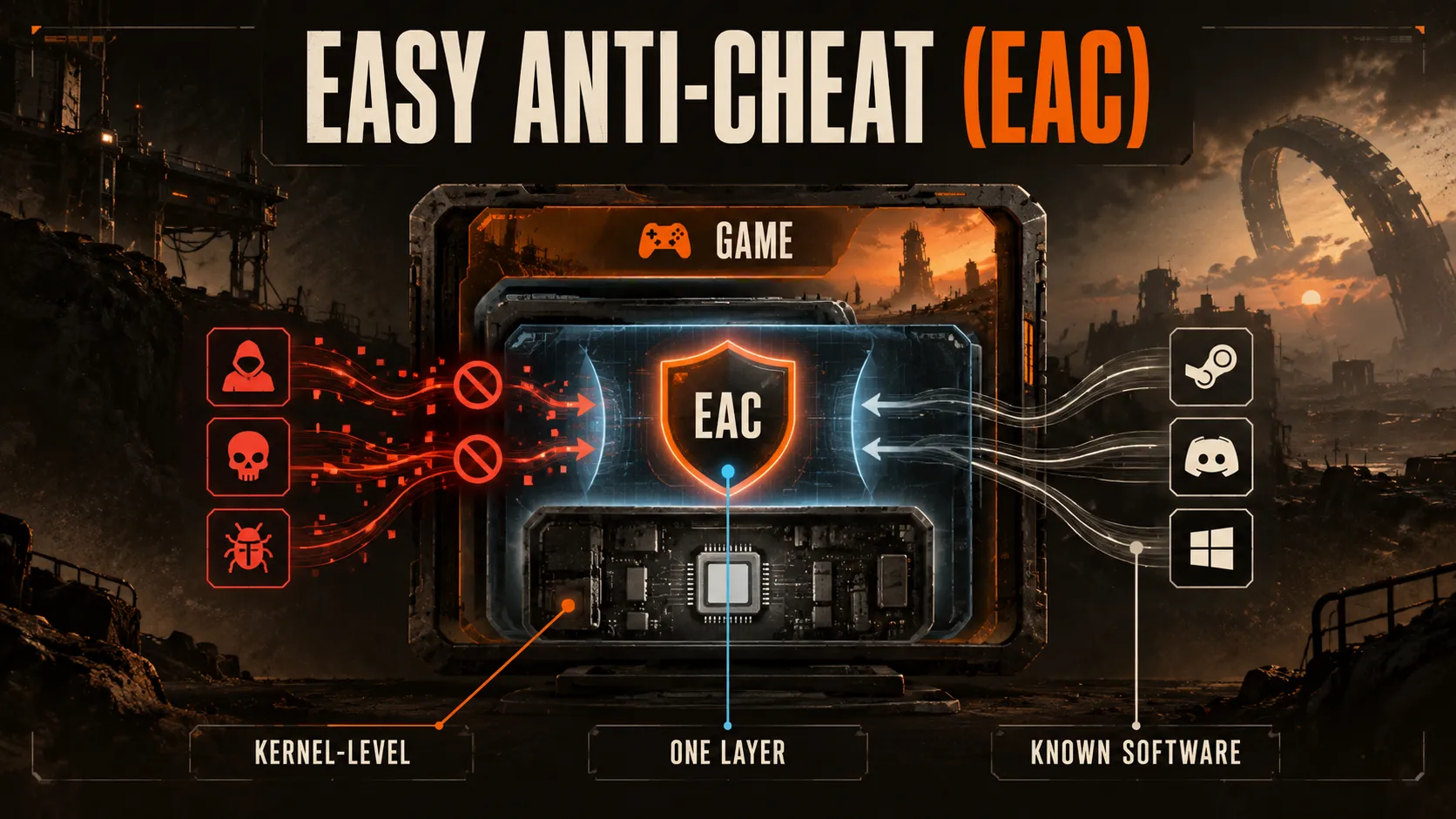
Embark describes EAC as kernel-level protection, meaning it operates with deep access to the PC operating system.
That level of access matters because many commercial PC cheats also operate in kernel space.
Embark says it would have little visibility into those tools without protection working at the same level.
EAC should not be described as the only system checking players.
It sits alongside Denuvo, behavioral analysis and other detection layers.
Likewise, Embark has not published enough technical detail to claim that EAC alone detects every ARC Raiders aimbot or ESP and wallhack configuration in a particular way.
Denuvo Anti-Cheat
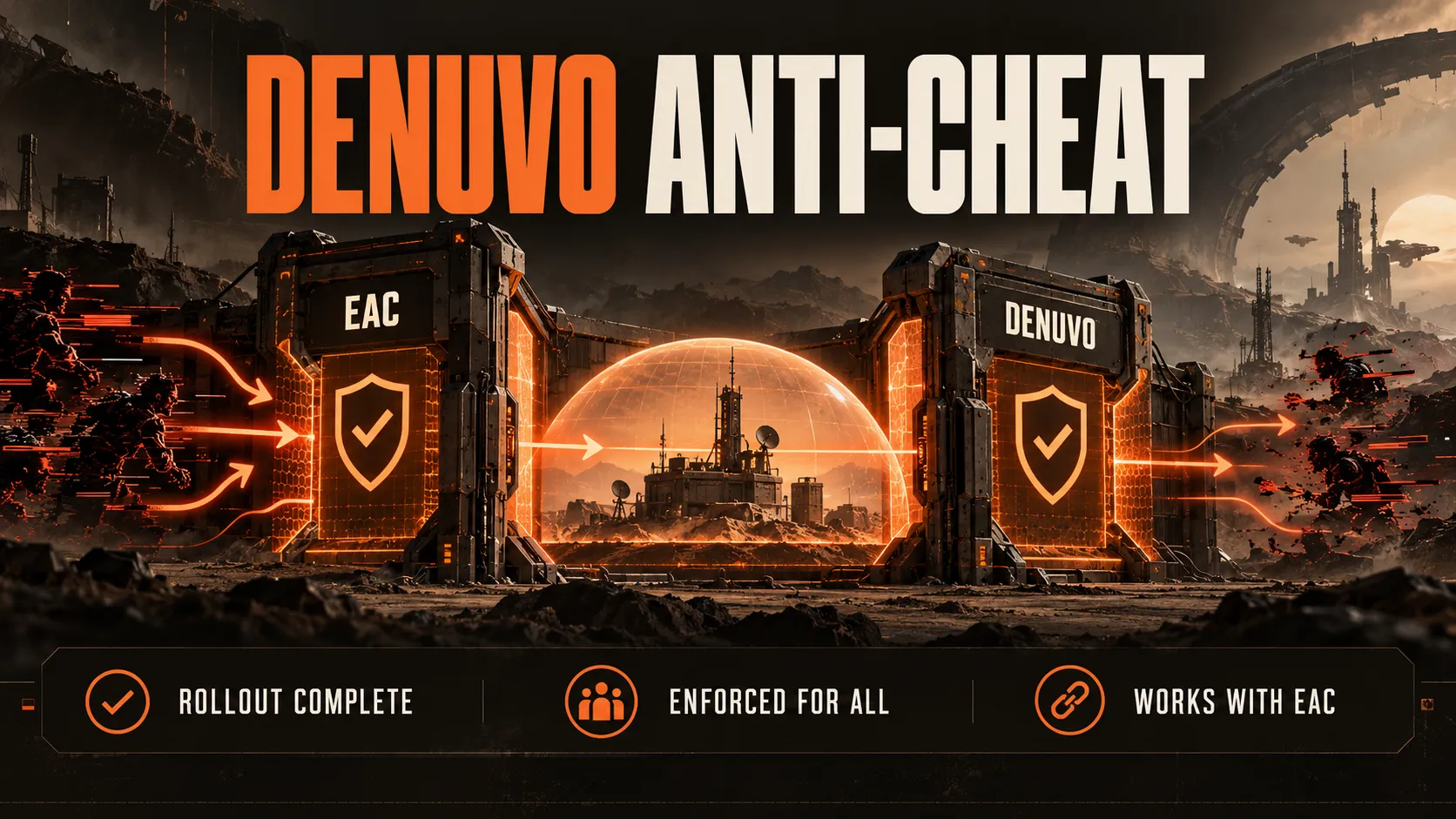
ARC Raiders uses Denuvo Anti-Cheat in addition to EAC.
Embark completed the rollout by June 30 and said on July 7 that Denuvo was enforced for all players.
In August, Embark said further work with Denuvo and Anybrain had contributed to action against a large number of accounts using recently popularized cheating software.
Older articles may still describe Denuvo as a test, limited rollout or planned addition.
Those descriptions are outdated.
Denuvo Anti-Cheat should not be confused with Denuvo Anti-Tamper.
The latter is associated with copy protection, while Embark specifically named Denuvo Anti-Cheat as part of its fair-play work.
Embark has not published enough ARC Raiders-specific detail to assign individual cheat categories to Denuvo alone.
Claims that it catches every aimbot, wallhack, radar or recoil tool go beyond the developer’s public explanation.
Machine Learning and Input Telemetry
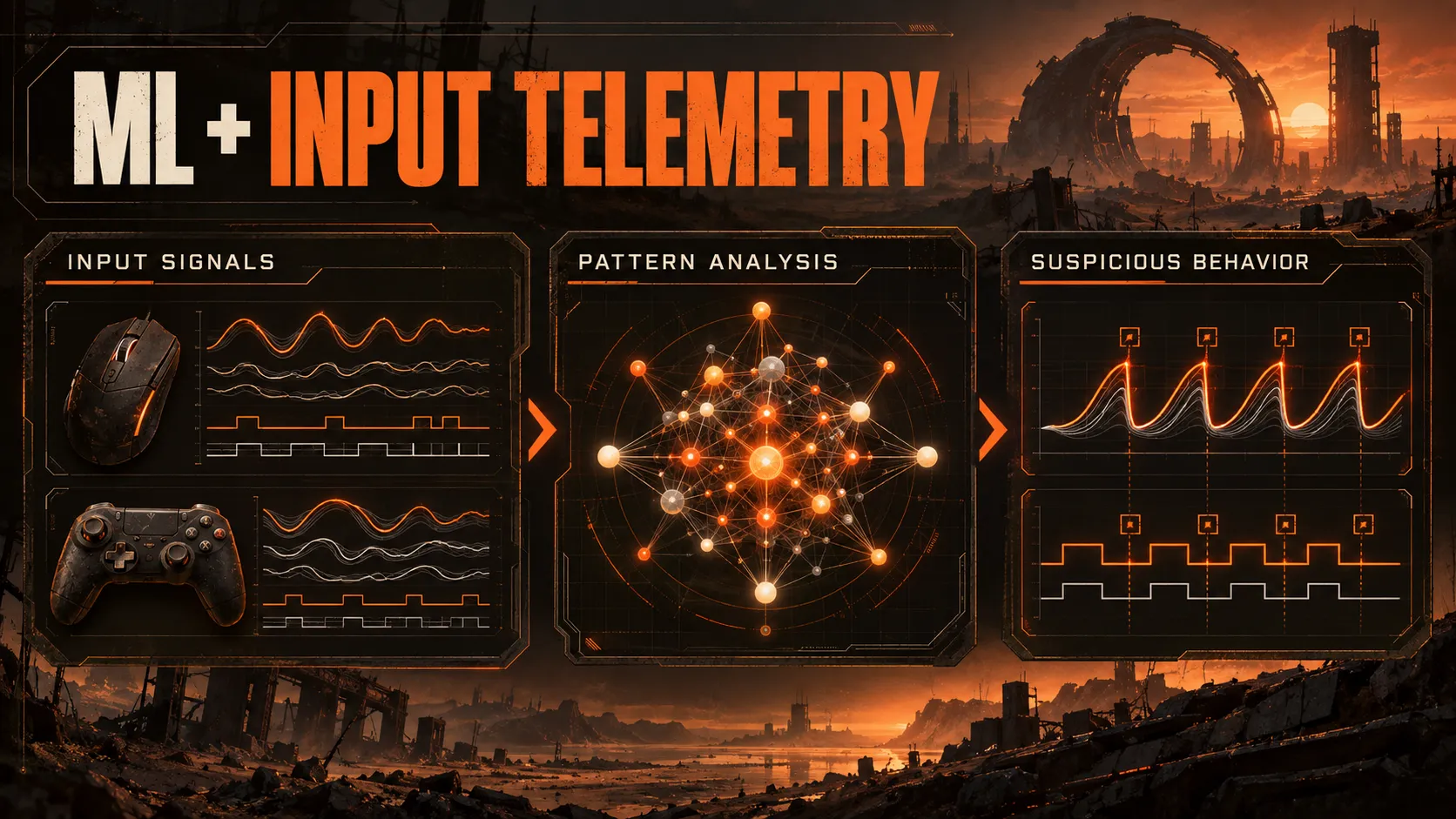
ARC Raiders also uses machine-learning models trained on player telemetry.
Embark has called input telemetry analysis one of its most effective tools and says it has worked with Anybrain on this research from the start.
Its August fair-play update confirmed that the partnership remained active and that Embark was continuing to improve detection and enforcement with Anybrain and Denuvo.
Telemetry analysis looks at behavior rather than relying only on a known software signature.
That gives Embark another source of evidence when a tool is new, private or modified.
The public explanation does not reveal the exact inputs, model thresholds or amount of evidence required before action is taken.
Embark has not confirmed public rules such as a fixed headshot percentage, reaction-time cutoff or movement score that automatically causes a ban.
Any article stating exact thresholds is speculating unless the developer publishes them.
Accessibility hardware makes the analysis more complicated.
Some legitimate devices can resemble tools used for abuse.
Embark says it analyzes telemetry and communication patterns to distinguish accessibility use from cheating and continues to refine those decisions.
Hardware and Software Detection
Embark’s July 7 summary explicitly included hardware detection, software detection and ML-driven input telemetry analysis in the current anti-cheat stack.
Software detection can surface in several ways.
Embark’s support documentation warns about tools or processes that modify gameplay, interfere with game files or memory, automate inputs or affect hardware behavior.
Virtual machines are prohibited, while scripts, auto-clickers, injectors and custom overlays can cause integrity errors or enforcement depending on the situation.
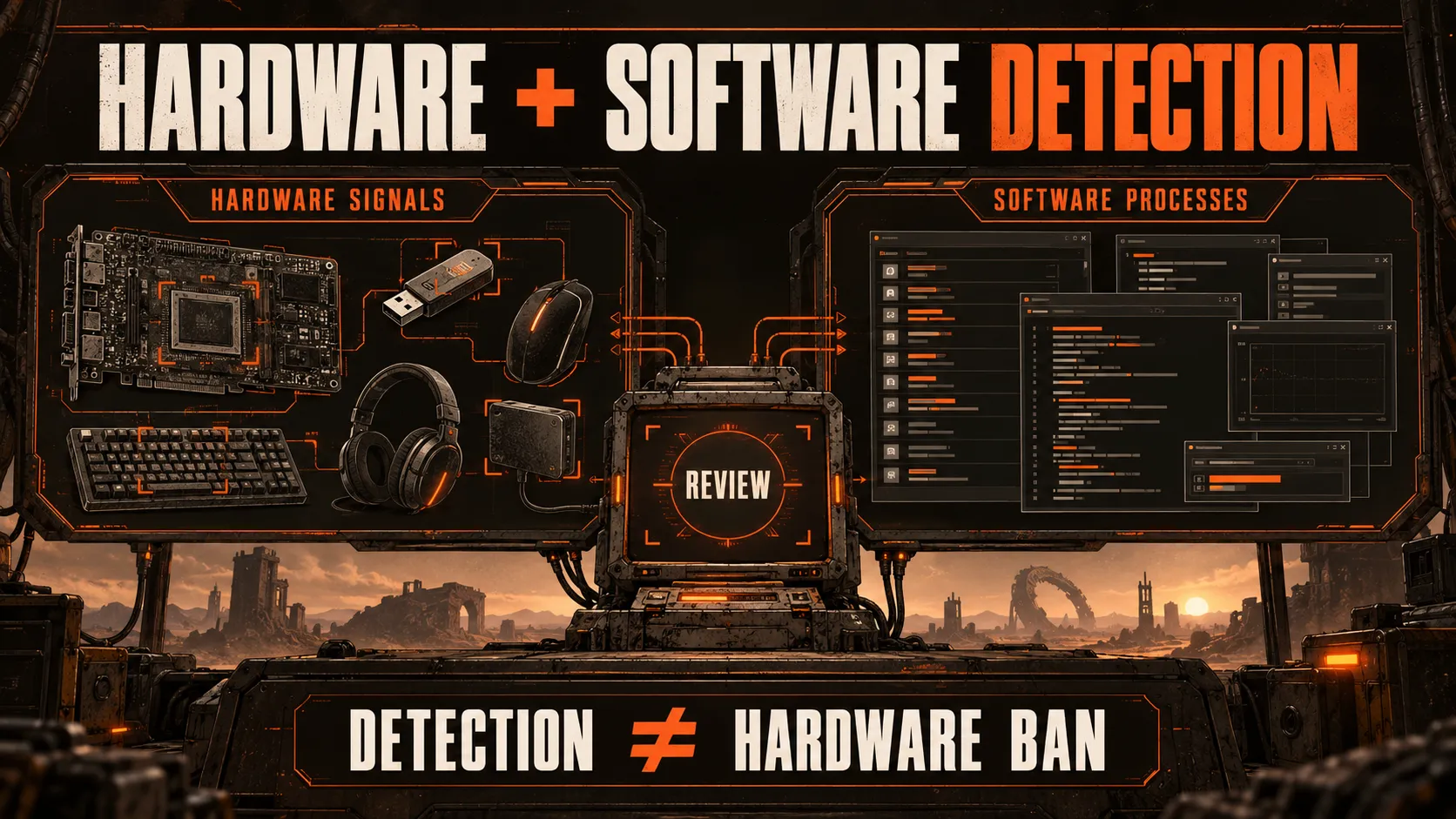
Hardware detection is not the same thing as a hardware ban:
- Hardware detection refers to signals used by the anti-cheat system.
- A hardware ban is an enforcement action that blocks a specific PC from accessing Embark products.
The developer does not publish the identifiers it collects or the formula used to connect a machine to an enforcement decision.
That secrecy is intentional because a complete technical map would help people evade detection.
What ARC Raiders Does Not Disclose
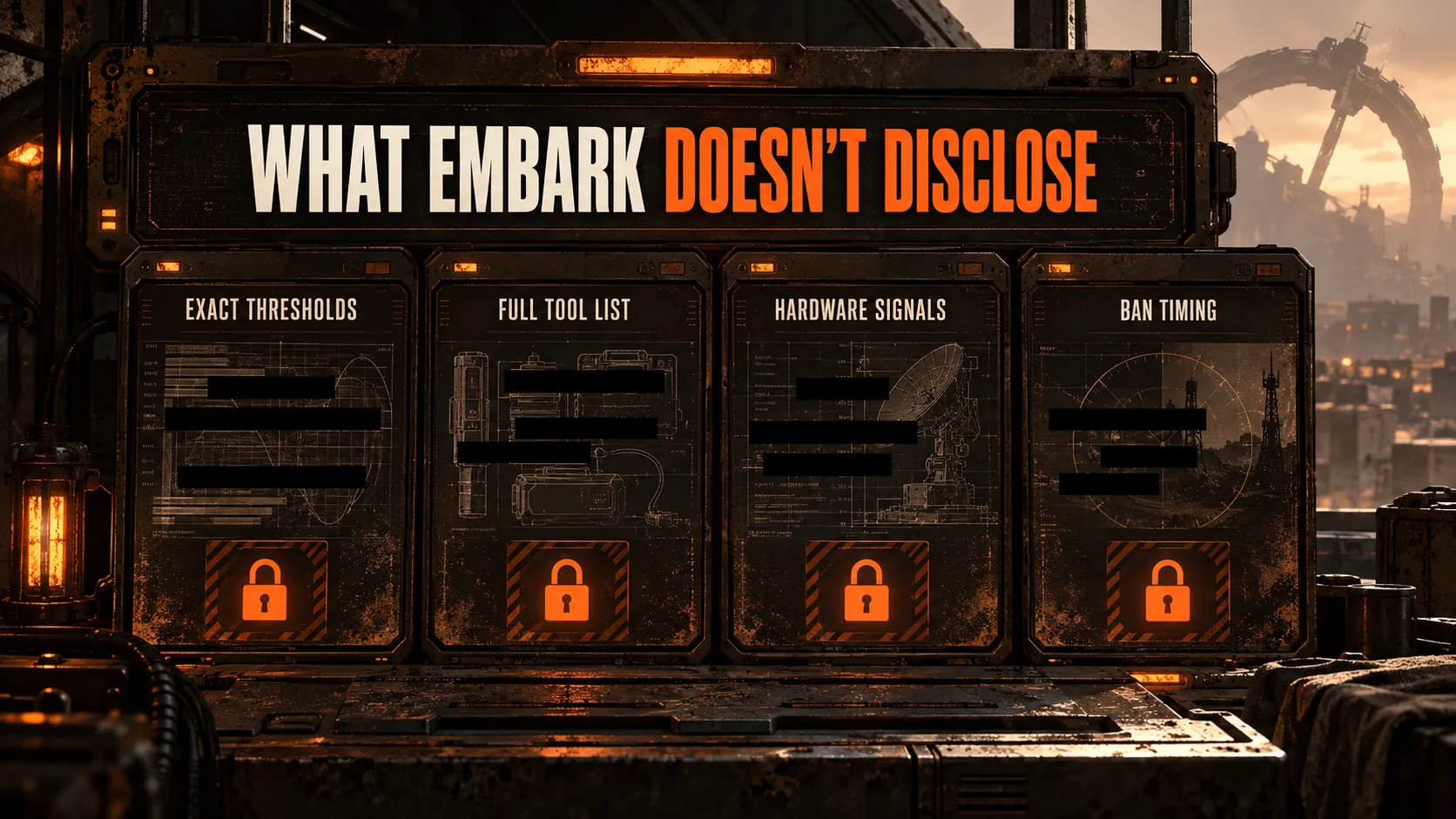
Embark confirms the components of its anti-cheat stack without publishing a bypass manual.
It does not provide:
- A full list of detected cheat products
- Exact ML features or ban thresholds
- A complete overlay, macro or peripheral allowlist
- The hardware identifiers used for enforcement
- Timing for detection reviews or ban waves
- A guarantee that one current error code will always map to the same internal rule
“Undetected” is a status claim, not a permanent guarantee.
Our ARC Raiders cheat pages describe the current build, but anti-cheat systems and cheat software both change.
No seller can honestly guarantee that a build will remain undetected after every future game or anti-cheat update.
The safest editorial rule is simple: state what Embark has confirmed, label inferences clearly and remove precise detection claims that cannot be verified.
What Can Get an ARC Raiders Account Banned?
Anti-cheat detection is only one part of enforcement.
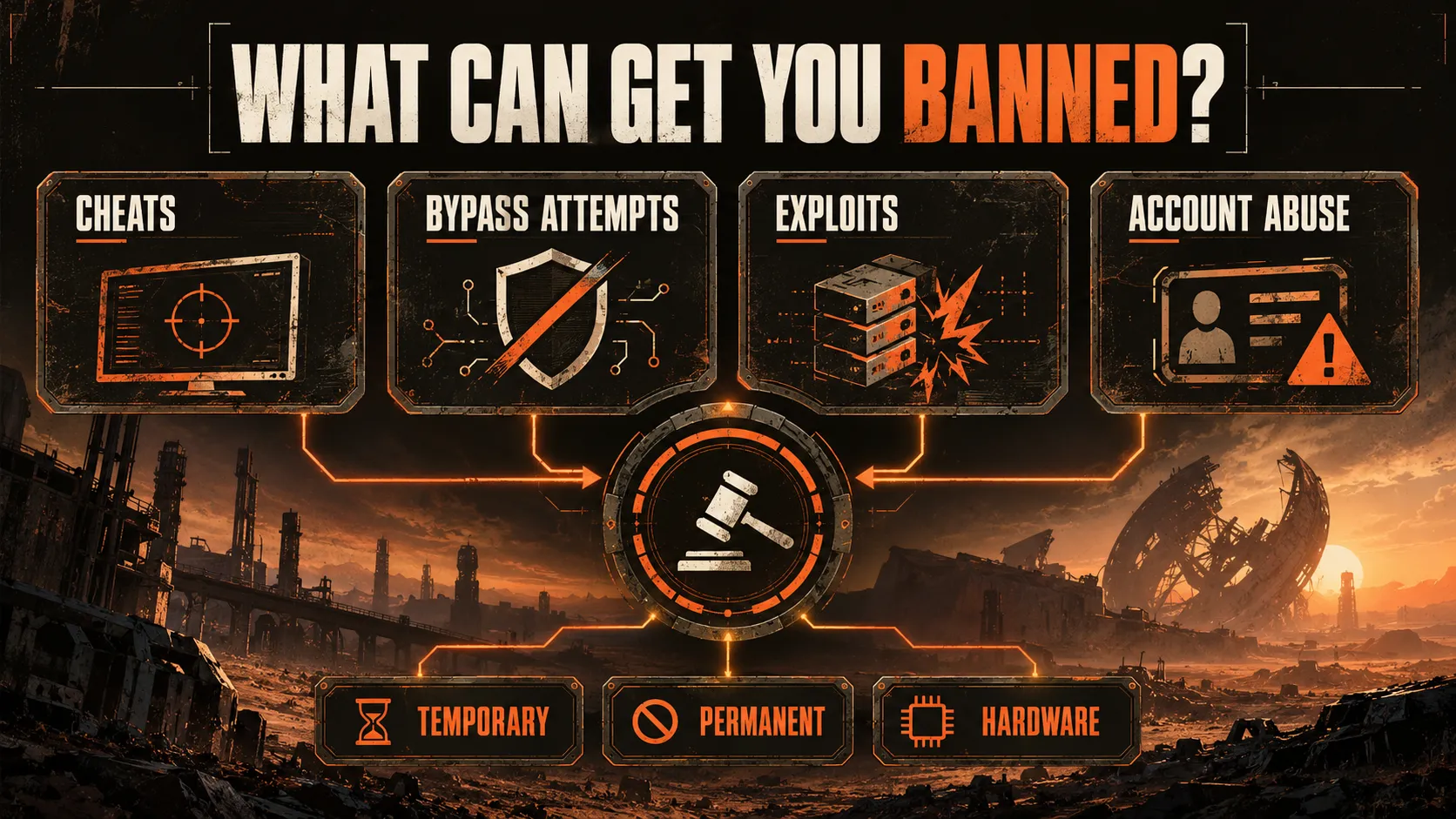
Embark’s Ban and Enforcement Policy lists account actions for conduct including:
- Using cheats, hacks or third-party tools that affect gameplay
- Attempting to bypass anti-cheat protections
- Exploiting bugs or glitches for an unfair advantage
- Abusive behavior, harassment, hate speech or stream sniping
- Account boosting or farming
- Sharing or selling an account
- Trading in-game items for money or anything else of value
Embark uses both temporary and permanent bans, but cheating now defaults to permanent.
Since Embark’s September 30, 2026 anti-cheat update, any account caught using a known cheat program is permanently banned as a matter of policy, with no warnings or second chances. For other violation categories, the penalty still depends on the severity of the offense, and serious violations can affect access across more than one Embark title.
Our broader ARC Raiders ban guide covers temporary restrictions, permanent bans, appeal rules and shared-license consequences in more detail.
Keeping that policy material separate prevents this anti-cheat article from turning into a second ban guide.
Does ARC Raiders Use Hardware Bans?
Yes. Embark can issue a hardware ban when it considers an offense serious enough.
This blocks the specific PC rather than only restricting one account, and Embark says hardware bans apply across its games.
Hardware bans are final and cannot be appealed.
Making a new account does not remove a machine-level restriction.
Embark said on September 30, 2026 that it recently lowered the threshold for applying hardware bans, and it is working on a system to target more machines per sanction, which it hopes to deploy later in the year.
For error codes, scope and the difference between account and machine enforcement, use our dedicated ARC Raiders HWID ban guide.
Hardware detection is part of the system, while a hardware ban is one possible enforcement result.
Queue Teaming and Matchmaking Abuse
Cheating is not the only fair-play problem Embark tracks. Queue teaming — where players coordinate to land in the same solo lobby and gang up on Raiders who queued alone — became a major community complaint.
On September 30, 2026, Embark confirmed it had built detection capable of reliably identifying teaming groups and started keeping them apart in matchmaking. The studio reported an 85% drop in players engaging in the behavior within five days, with spoiled solo raids falling from roughly 1 in 50 to 1 in 300 and no meaningful effect on queue times.
Teaming up with someone met through proximity chat during a raid is still allowed. The restriction targets players who coordinate before a raid begins specifically to gain an unfair advantage in that session.
Shared Accounts and Licenses
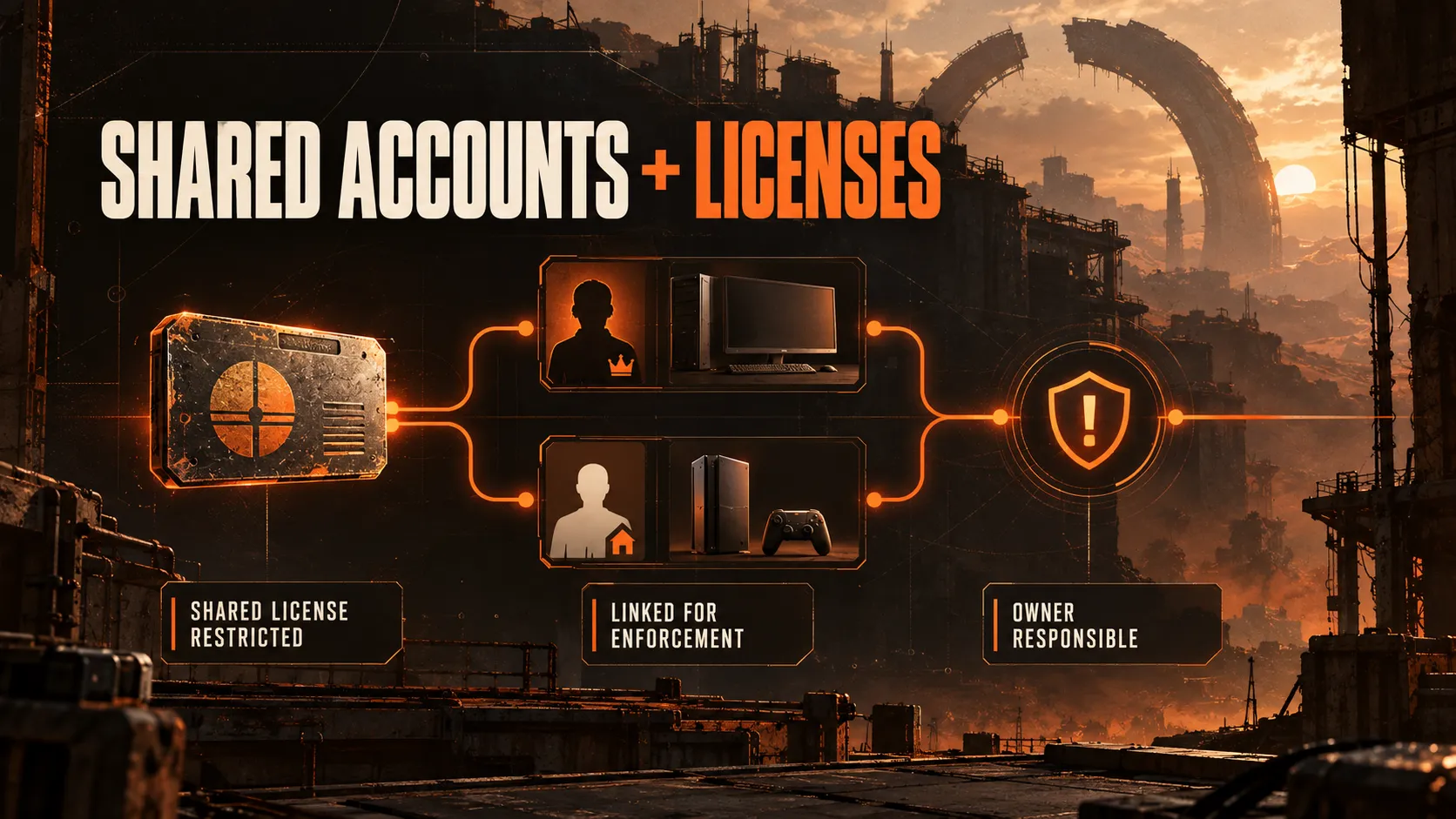
Account access and game-license sharing can extend a ban beyond the player who launched the prohibited software.
Embark says account owners remain responsible for activity on their accounts.
A ban can stay in place even if another person used the account when the violation occurred.
The Shared License Restrictions differ by platform:
- Steam Family Sharing: Accounts using the shared license are linked for enforcement. A ban on one account can restrict the family group tied to that license.
- Xbox Game Sharing: The banned player’s Embark ID is restricted and the shared license becomes unusable for the group. Other family members’ Embark IDs remain usable on supported platforms where they own the game.
These restrictions last for the duration of the underlying ban.
Sharing credentials or a license creates enforcement risk even when the other users are not running the same software.
Embark also broadened linked-account enforcement on September 30, 2026: if an account has ever been associated with a banned copy of the game, that account now receives a permanent ban as well.
Anti-Cheat Errors vs Bans
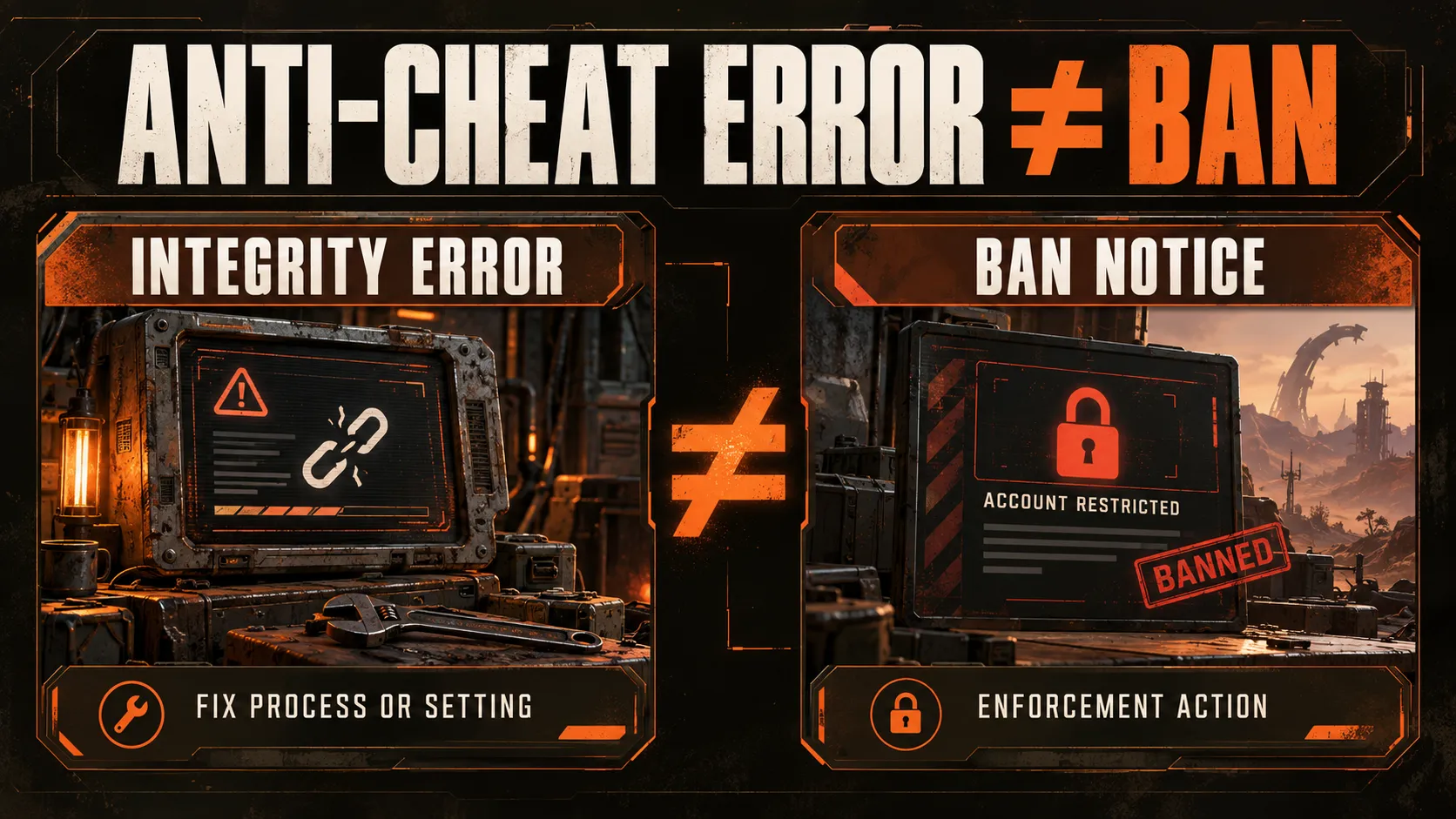
An anti-cheat error is not automatically a ban notice.
Some errors stop ARC Raiders from launching because a required Windows security setting is disabled or a prohibited process is active.
Examples in Embark’s support documentation include virtual machines, NVIDIA Profile Inspector, auto-clickers, active scripts, AutoHotkey and Cheat Engine.
It also lists integrity failures involving Secure Boot, Core Isolation, Memory Integrity, game files or system configuration.
The response should match the message:
- Close the flagged process and do not repeatedly relaunch with it active.
- Verify the required Windows security settings.
- Update Windows, verify the game files and restart the PC.
- Use Embark Support if the error remains or if you believe a restriction was applied incorrectly.
Repeated attempts can matter.
Embark specifically warns that repeatedly loading the game while Cheat Engine is active can lead to permanent suspension.
Does ARC Raiders Return Loot Lost to Cheaters?
Yes, when Embark confirms that a cheater knocked you out.
Its Loot Compensation system can return the items you held at the time through the in-game inbox.
Embark says compensation can apply whether or not you reported the player.
An Action Notice is separate and confirms that Embark acted against someone you reported.
Compensation is a recovery system, not another anti-cheat layer.
It reduces the loss after a confirmed unfair encounter but does not detect or block cheating by itself.
What Changes After Updates?
Anti-cheat status can change even when a patch focuses mainly on maps, weapons or progression.
Embark can expand a rollout, adjust detection precision, block new software, change security requirements or revise enforcement rules.
For this page, maintain three separate records:
- Confirmed stack: EAC, Denuvo Anti-Cheat, ML input telemetry, hardware/software detection and undisclosed methods
- Enforcement policy: temporary or permanent account bans, possible cross-title action, hardware bans and shared-license restrictions
- Update status: the date and patch where Embark last described a rollout or technical change
As of October 1, 2026, Embark’s September 30 anti-cheat update is the latest fair-play statement, published ahead of the October 8 Frozen Trail launch. It supersedes the August 18 fair-play update on ban policy and hardware-ban thresholds, and adds Elytra and queue-teaming detection to the confirmed stack.
Do not keep “testing,” “planned” or “limited rollout” language after a full rollout is confirmed.
Likewise, do not claim EAC, Denuvo or another method was removed unless Embark says so directly.
Readers considering our current feature set can compare the Loot ESP controls, No Recoil options and Radar overlay against this enforcement context.
Current status never removes future detection risk.
Key Takeaways
- ARC Raiders uses a layered anti-cheat stack, not EAC alone.
- Confirmed layers include EAC, Denuvo Anti-Cheat, ML input telemetry, hardware/software detection, the newly confirmed Elytra system and other undisclosed methods.
- Denuvo’s rollout is complete and it is enforced for all players.
- As of September 30, 2026, any account caught using cheat software is permanently banned by default, with no warnings or second chances.
- Embark lowered the hardware-ban threshold and is working on targeting more systems per sanction.
- Linked-account enforcement now extends to any account ever associated with a banned copy of the game.
- Queue-teaming detection cut that behavior by 85% within five days of rollout.
- Embark reported further Anybrain and Denuvo improvements, large-scale account actions and stronger economy-exploit detection in August 2026.
- Embark does not publish exact ML thresholds, detection rules or a permanent software allowlist.
- Serious violations can result in a final, non-appealable hardware ban.
- Steam and Xbox shared licenses have platform-specific enforcement consequences.
- Loot Compensation returns eligible losses after confirmation, but it is not a detection layer.
FAQ
What anti-cheat does ARC Raiders use?
ARC Raiders uses Easy Anti-Cheat, Denuvo Anti-Cheat, machine-learning input telemetry and additional hardware/software detection.
Embark also uses in-house systems, external partners and methods it does not identify publicly.
Does ARC Raiders still use Easy Anti-Cheat?
Yes. Easy Anti-Cheat remains a confirmed component of the ARC Raiders anti-cheat system.
Embark added Denuvo alongside the existing stack rather than announcing it as an EAC replacement.
Does ARC Raiders use Denuvo?
Yes. ARC Raiders uses Denuvo Anti-Cheat.
Embark completed the rollout in June 2026 and confirmed in July that it was enforced for all players.
Is ARC Raiders anti-cheat kernel-level?
Yes. Embark describes Easy Anti-Cheat as kernel-level protection.
The developer says that level of access is necessary because many commercial cheats also operate in kernel space.
Does ARC Raiders use AI to detect cheating?
ARC Raiders uses machine-learning models trained on player telemetry, including input telemetry analysis.
Embark has worked with Anybrain on this research but does not disclose the exact signals or thresholds behind detection decisions.
Can overlays, macros or AutoHotkey trigger ARC Raiders anti-cheat?
They can.
Embark allows overlays only when they do not interfere with gameplay or provide an unfair advantage, and its error documentation lists active scripts, auto-clickers, AutoHotkey, injectors and custom overlays among potential problems.
An integrity error is not always a ban, but the flagged process should be closed before relaunching.
What can get you banned in ARC Raiders?
Cheats, hacks, anti-cheat bypass attempts, unfair third-party tools and exploit abuse can lead to enforcement.
As of September 30, 2026, cheat software use results in a permanent ban by default, with no warnings. Boosting, farming, account sharing, account sales and real-money item trading can also result in action.
Harassment, hate speech and stream sniping are covered by Embark’s policy too.
Can ARC Raiders hardware-ban a PC?
Yes. Embark reserves hardware bans for serious violations.
The restriction targets the machine, applies across Embark games and cannot be appealed.
Can you be banned if someone else cheats on your account?
Yes. Embark holds the owner responsible for activity on the account.
A ban can remain even when another person used the account during the violation.
Does Steam Family Sharing affect ARC Raiders bans?
Yes. Accounts using the same shared Steam license are linked for enforcement.
A ban can cause restrictions across the family group tied to that license.
Does ARC Raiders return loot lost to cheaters?
Yes, after Embark confirms that a cheater knocked you out.
Loot Compensation can return the items you held at that time through the in-game inbox, whether or not you reported the player.
If you want to test the current build before choosing access, the free ARC Raiders cheat trial includes the same feature set as the paid version.
Check the current build status first, because a trial does not eliminate anti-cheat or enforcement risk.